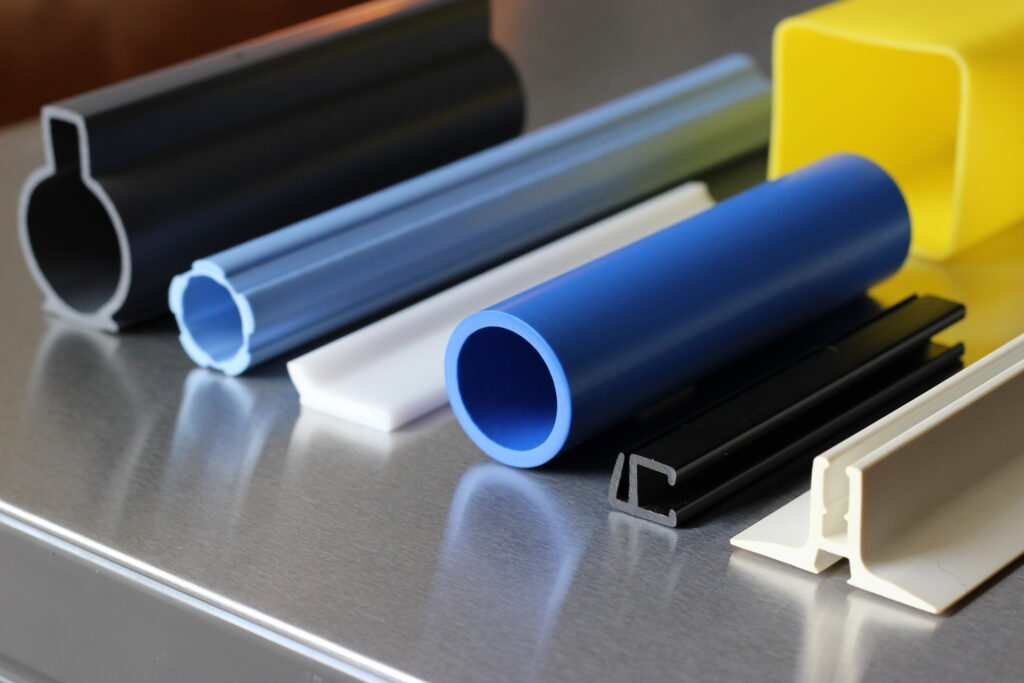
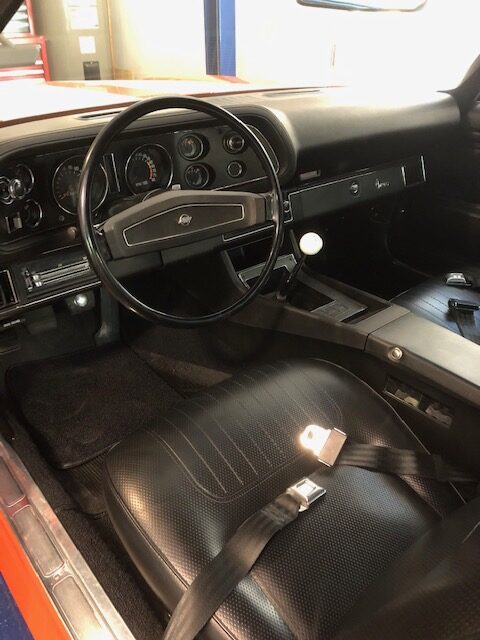
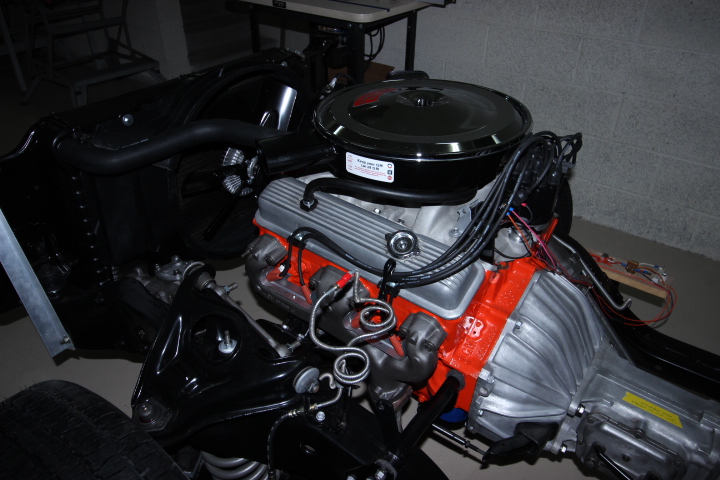
Start with Elementor Canvas in page settings, this is a wide open blank mode. To change image to round go to advanced-scroll down and select mask, note image must start out perfectly square for other adjustments such as border. To change to black and white go to style-css filters. To move left right up down go to advanced-transform-offset to slant go to skew. Look in website folder for saved AI chat for making an image round. To put text on image open a widget box under photo drag heading widget inside box then center text under image click on text-advanced at top-then select offset to move text up onto image…To duplicate the image in another column select the gray boxes handle in the top left corner-duplicate. When taking photos I used fridge brushed nickel doors and put glass on the top for reflection. Because the canvas option is completely blank the menu wouldn’t appear on the page automatically, I switched to full width option and that allows headers to recognize a new item in this case the menu across every page. Even though I selected full width I still have complete freedom between the header and footer sections.
Extrusion
Overlap image with another image.Must be in full width or canvas mode. put 2 images on the page and go to advanced and unlink margins and adjust accordingly. Look in website folder for overlap images. 1. You can crop image right on ther page by going to style and changing height and width. See overlap images in website folder. 2. For bottom bar or thick line under image. Go to border-make sure color is selected because default is white and you won’t see anything with a white background. Border type select solid-unlink and select bottom-dial in thickness. 3. To drop one space below a sentence instead of 2 when hitting enter, hit shift enter 4. To radius the corners of an image go to border-leave width at zeros. Move down to border radius and start adjusting and you will see radii in the corners. The only other eway that I know of is to do this in Photo Shop and then upload to the media library. I tried this workaround on other photos and it worked on the home page and extrusion page for the extrusion photos but wouldn’t work on other photos???? 5. Command V is a better way to past HTML code. Copy into your mouse (which is the clipboard) and then just go to the flashing cursor in the code box and use the command V shortcut.